 f813245827
* feat: 快捷键追加ESC控制,关闭当前窗口

* feat: 偏好设置中,页面切换动画的颜色看不清的问题(使用当前主题色)

* feat: 三种弹出框支持快捷键ESC动作

* feat: 代码自动格式化(3个框架改动)

* feat: 代码自动格式化(3个框架改动)

* fix: 修正locale数据获取方式

* 单元测试问题修改

* 单元测试问题修改

* fix: 解决代码评论的问题

* fix: 解决代码评论的问题

* fix: 解决代码评论的问题

* fix: 解决代码评论的问题

* 单元测试问题修改

* fix: 解决评论问题

* fix: 解决代码格式导致pnpm run lint报错的问题

---------

Co-authored-by: PanFu <panfu@zhihuaai.com>


Vue Vben Admin




Introduction
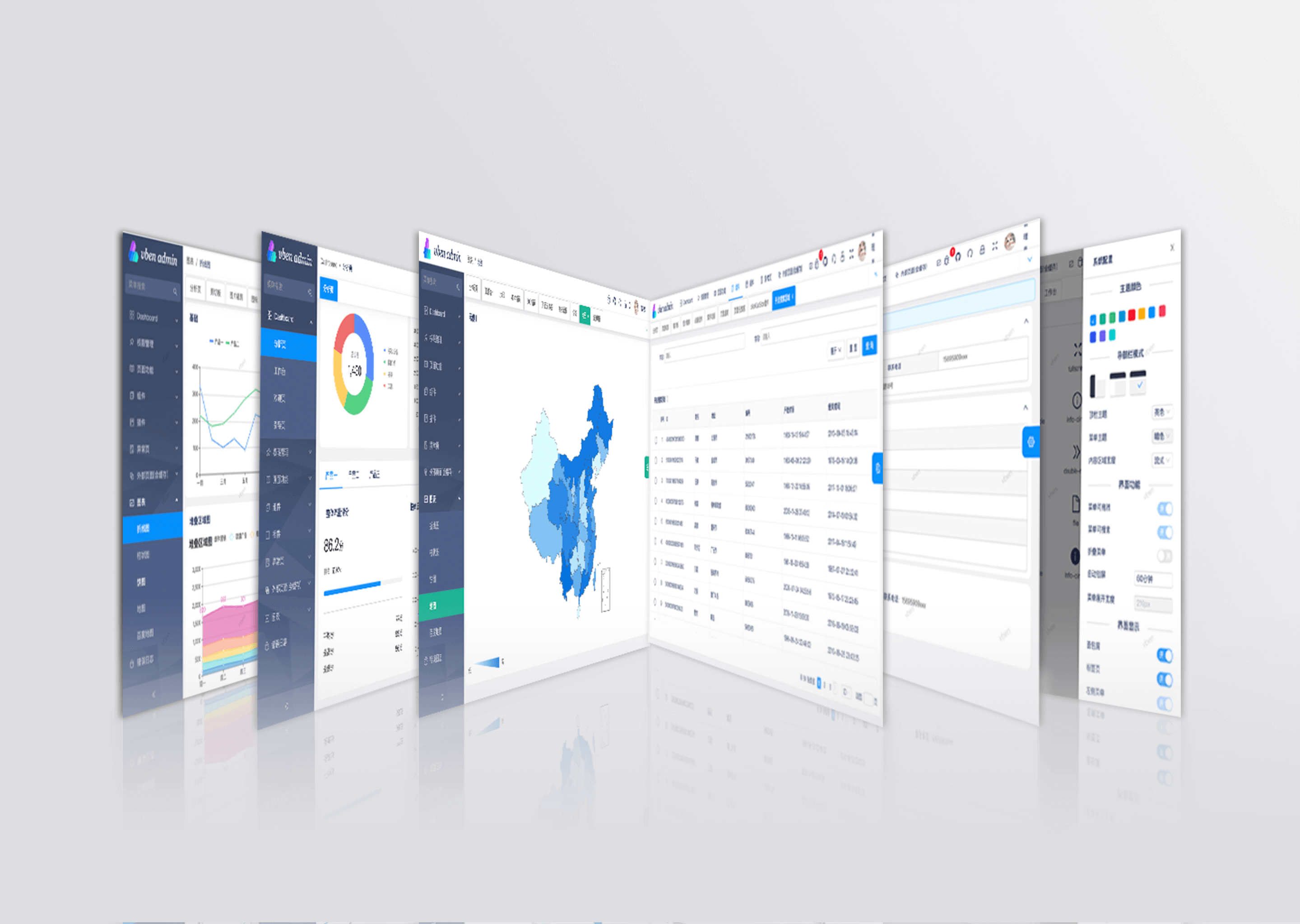
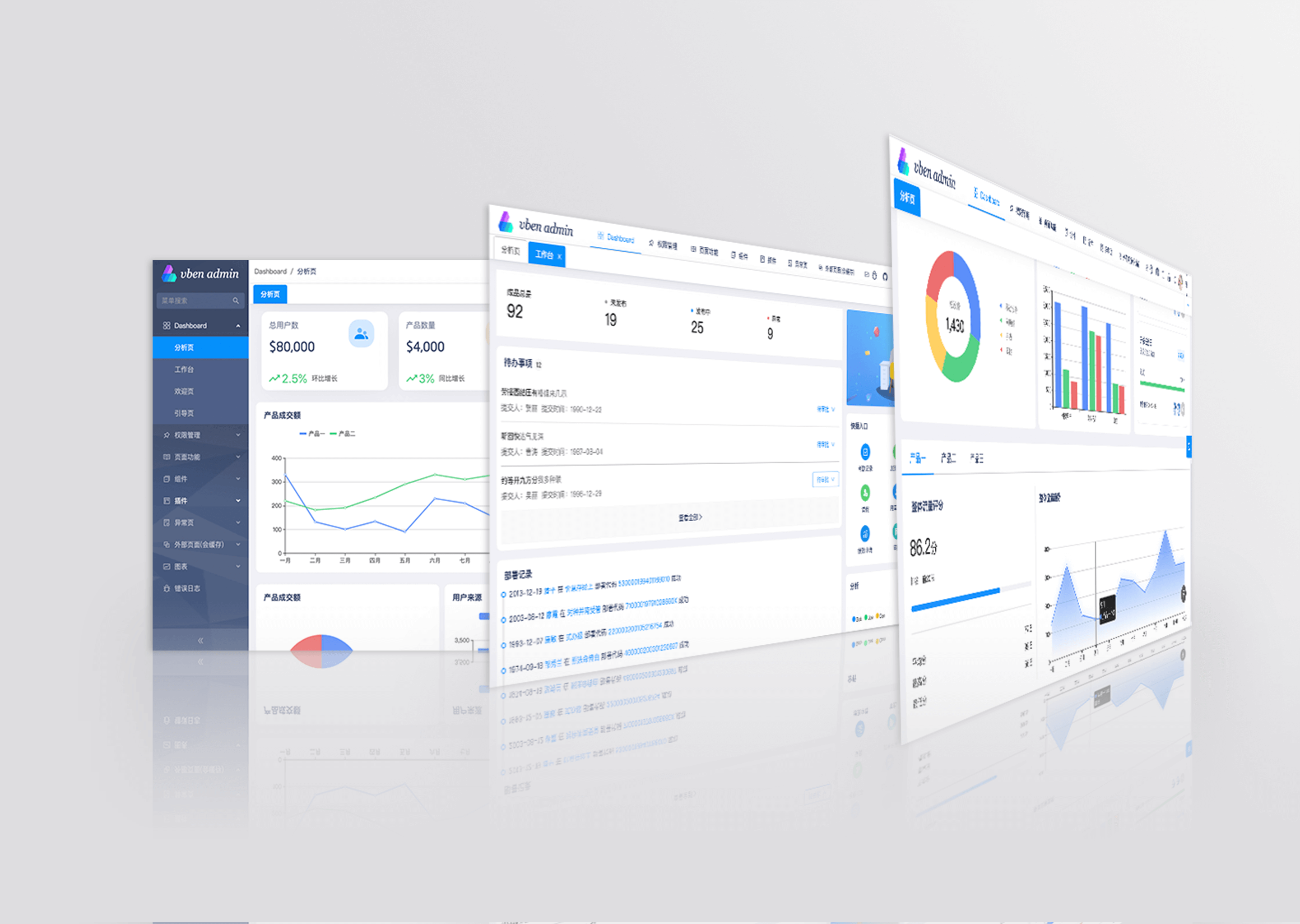
Vue Vben Admin is a free and open source middle and back-end template. Using the latest vue3, vite, TypeScript and other mainstream technology development, the out-of-the-box middle and back-end front-end solutions can also be used for learning reference.
Upgrade Notice
This is the latest version, 5.0, and it is not compatible with previous versions. If you are starting a new project, it is recommended to use the latest version. If you wish to view the old version, please use the v2 branch.
Features
- Latest Technology Stack: Developed with cutting-edge front-end technologies like Vue 3 and Vite
- TypeScript: A language for application-scale JavaScript
- Themes: Multiple theme colors available with customizable options
- Internationalization: Comprehensive built-in internationalization support
- Permissions: Built-in solution for dynamic route-based permission generation
Preview
- Vben Admin - Full version Chinese site
Test Account: vben/123456

Use Gitpod
Open the project in Gitpod (free online dev environment for GitHub) and start coding immediately.

Documentation
Install and Use
- Get the project code
git clone https://github.com/vbenjs/vue-vben-admin.git
- Install dependencies
cd vue-vben-admin
npm i -g corepack
pnpm install
- Run
pnpm dev
- Build
pnpm build
Change Log
How to Contribute
You are very welcome to join! Raise an issue or submit a Pull Request.
Pull Request Process:
- Fork the code
- Create your branch:
git checkout -b feat/xxxx - Submit your changes:
git commit -am 'feat(function): add xxxxx' - Push your branch:
git push origin feat/xxxx - Submit
pull request
Git Contribution Submission Specification
Reference vue specification (Angular)
featAdd new featuresfixFix the problem/BUGstyleThe code style is related and does not affect the running resultperfOptimization/performance improvementrefactorRefactorrevertUndo edittestTest relateddocsDocumentation/noteschoreDependency update/scaffolding configuration modification etc.ciContinuous integrationtypesType definition file changes
Browser Support
The Chrome 80+ browser is recommended for local development
Support modern browsers, not IE
 Edge |
 Firefox |
 Chrome |
 Safari |
|---|---|---|---|
| last 2 versions | last 2 versions | last 2 versions | last 2 versions |
Maintainer
Star History
Donate
If you think this project is helpful to you, you can help the author buy a cup of coffee to show your support!